In 2020 alone, an estimated 306.4 billion emails were sent across the web each day. Meanwhile, other studies suggest that by 2030, there will be 500 billion devices connected to the Internet of Things (IoT).
None of this would be possible without computer networking. From facilitating everyday browsing to performing critical business functions, computer networking is the backbone of today’s digital world — and these professionals play a pivotal part in keeping us connected at a global level while protecting sensitive information against emerging threats.
If you’ve been considering a career in computer networking, read on to learn more about the ins and outs of the field, plus the skills needed to thrive in this dynamic industry.
An Overview of Computer Networking

What Is Computer Networking?
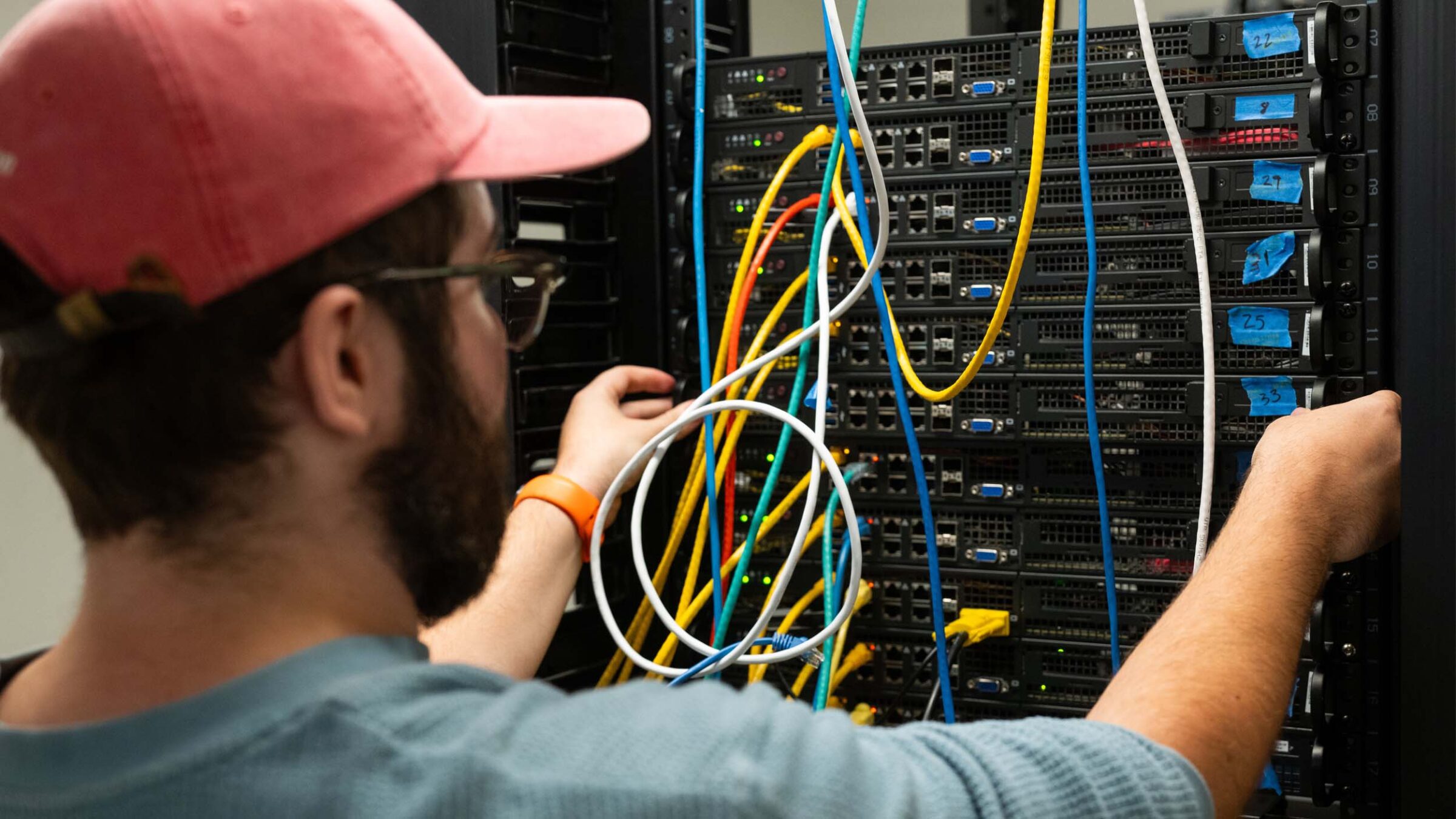
At its core, computer networking is the practice of connecting devices as a means of sharing resources and services. As the foundation of the digital age, this networking enables instant communication, real-time data management, and countless other fundamental functions on which we’ve come to rely in our daily lives.
Computer networks can vary drastically in size and scale, too, from relatively small home Wi-Fi systems that connect physical devices to the entire World Wide Web. Some other everyday examples of computer networks at work include:
- Cloud storage platforms
- Secure payment systems for online purchases
- Video conferencing software
Why Computer Networking Matters
Computer networks have become integral to our everyday lives — but they’re also easy to take for granted. The importance of networking becomes abundantly clear the moment a system breaks down. Consider, for instance, how much your daily life may be impacted when there’s an internet outage in your area.
Computer networking is essential in the context of contemporary civilization because it allows for:
- Global communication – Networks make video conferencing, instant messaging, and Voice over Internet Protocol (VoIP) calls possible.
- Information access – The internet is the largest computer network in existence, providing access to vast knowledge resources.
- Business operations – Organizations rely on networks for cloud services, enterprise resource planning (ERP), customer relationship management (CRM), and supply chain management (SCM).
- Cybersecurity – Networking concepts form the basis for securing sensitive information and defending against cyber threats.
- Emerging technologies – Innovations like IoT, 5G, and artificial intelligence (AI) depend on reliable networks to function.
- Resource sharing – Networks allow users to connect to shared devices, such as printers, which eliminates redundant equipment and saves money.
How Do You Practice Cybersecurity? In a Cyber Sandbox.
Read NowHow Do Computer Networks Work?
Despite their prevalence in our everyday lives, the average network user doesn’t tend to stop and ponder how these systems actually work to keep us connected. Once you understand the key components of a network and their individual functions, however, it begins to make more sense.
1. Devices (Nodes)
Nodes simply refer to the devices being connected to a network.
- Examples: personal computers, smart devices, servers, printers, and IoT devices
2. Network Hardware
To connect devices, network hardware relies on either a physical link (such as an Ethernet cable) or a wireless connection to link nodes together or to a larger internet network.
- Examples: routers, switches, firewalls, and access points
3. Transmission Media
When a device needs to send information across a network, the information is moved and converted into a data packet. From there, the packet can be transmitted to its destination using the device’s unique IP address across wired or wireless network hardware links. Transmission media may be characterized as either “guided” (wired) or “unguided” (wireless).
- Examples: coaxial cables, fiber optic cables, radio waves
4. Protocols
Every computer network, regardless of size or type, follows standardized sets of rules known as protocols. These rules provide essential information about how data should be formatted, transmitted, and received across devices.
- Examples: HTTP for web browsing, SMTP for email, FTP for file transfer, and IP for routing data across networks
5. Network Services
All networks also rely on applications and protocols that manage resource sharing and communication. Also known as network services, these applications handle everything from translating domain names to assigning IP addresses. Although these services work quietly in the background, they’re vital for ensuring connectivity, enhancing security, and sharing resources.
- Examples: domain name systems (DNS), dynamic host configuration protocol (DHCP), and network time protocol (NTP)
6. Security Measures
Finally, networks must have security measures to protect against unauthorized access or data breach, with specific security measures varying from one network to the next based on the potential for threats.
- Examples: physical controls (such as intrusion sensors) and technical controls (like encryption tools and access control systems)

Types of Computer Networks
From small local networks to networks spanning entire cities and beyond, computer networks can take on numerous different forms.
1. Local Area Networks (LAN)
Local area networks are among the most common types, characterized by a small group of devices that are interconnected within a single home, building, office, or campus. These connections offer high speed at low latency and may be wired or wireless. Common examples include a company intranet or home internet connection.
2. Wide Area Network (WAN)
A wide area network is responsible for connecting multiple LANs over larger geographical distances, including entire cities, regions, or countries. The internet, for instance, is the world’s largest and most expansive WAN.
3. Metropolitan Area Network (MAN)
Metropolitan area networks, on the other hand, operate on a slightly smaller scale and are designed to connect towns and college campuses by stringing multiple LANs together. Often, these types of networks are managed by governments or internet service providers (ISPs).
4. Personal Area Network (PAN)
On an even smaller scale, personal area networks make it possible to connect devices within the same home or building — often through the use of Bluetooth or an internet connection. For example, you might rely on a PAN when you use your Bluetooth headphones to listen to music from your smartphone.
5. Wireless Networks (WLANs and WWANs)
Compared to wired connections, wireless networks can connect many devices to the same network without the need for Ethernet cables. These types of networks are commonly used in homes and businesses, but you’ll find them in public places where Wi-Fi hotspots are available (such as cafés and libraries).
6. Virtual Private Networks (VPNs)
Last but not least, virtual private networks create secure, encrypted tunnels through public networks for added privacy and security. Using a VPN, remote workers can keep sensitive company data safe. Some individuals may also use VPNs to keep everyday browsing secure and confidential.




The Role of the Internet in Networking
As the largest wide area network (WAN) in existence, the internet plays a foundational role in computer networking. Not only does the internet enable devices to communicate and share data; it also enables resource sharing through IP addressing, data routing, and packet switching.
Applications of Computer Networking
Computer networking concepts are exemplified in numerous daily applications in our homes, workplaces, and out in public. From browsing the web for personal use to connecting to company intranet at work, you’d be hard-pressed to find an industry that doesn’t rely on computer networking to some degree. Schools, hospitals, government agencies, and just about every other field leverage networking for activities like online learning, telemedicine, and banking. In your own home, you might depend on it to pay bills online, print a document, and stream your favorite shows.
One of the most rewarding aspects of teaching computer networking is watching students realize how transferable their skills are. A student passionate about the entertainment industry might use their networking expertise to support streaming platforms, while another interested in education could help build secure online learning environments. The technical foundation is the same—it’s the application that changes. This versatility means our graduates have a genuine choice in shaping their careers.
Computer Networking and Cybersecurity
Networking and cybersecurity always go hand in hand, as cyber threats lurk around seemingly every corner of the web. In fact, according to the World Economic Forum, average weekly numbers of cyberattacks have more than doubled between 2022 and 2025. Fortunately, various cybersecurity components make it possible to connect many devices at once while maximizing the CIA Triad (confidentiality, integrity, and availability).
VPNs, for example, enable private and secure browsing — while firewalls, intrusion detection systems (IDS), and zero-trust protocols build additional layers of protection around networks and their devices.
Careers in Computer Networking
Interested in a career in computer networking? From entry-level positions to more advanced roles, there are numerous paths worth considering. Examples of common job titles in computer networking include:
- Network Administrator – Maintain and troubleshoot local networks
- Network Engineer – Design and implement network infrastructure
- Systems Administrator – Oversee the operation of servers and connected devices
- Cybersecurity Specialist – Protect networks against intrusion and attacks
- Cloud Network Engineer – Build and manage cloud-based networking solutions
- IT Support Specialist – Provide technical assistance for network issues
Skills Needed for a Career in Networking
Building a successful career in computer networking calls for a balance of both technical skills and core competencies. Examples of key technical skills to have in this field include:
- Knowledge of network protocols
- Understanding of how routers and switches work
- Specific operating system (OS) knowledge
- Proficiency in cloud networking
- Grasp of cybersecurity basics
- Scripting and automation expertise
Additionally, networking professionals can benefit from strong problem-solving, communication, and collaboration skills, especially in roles where they’re expected to work alongside other networking or IT professionals.
How to Learn Computer Networking
So, where should you even begin if you want to pursue a career in computer networking? Formal education can help you build the foundational skills and knowledge needed to enter the field. At Champlain College, for example, our Computer Networking and Cybersecurity bachelor’s degree program covers essential coursework such as:
- Network protocols
- Computer and network security
- Enterprise threat management
- Networking and system administration
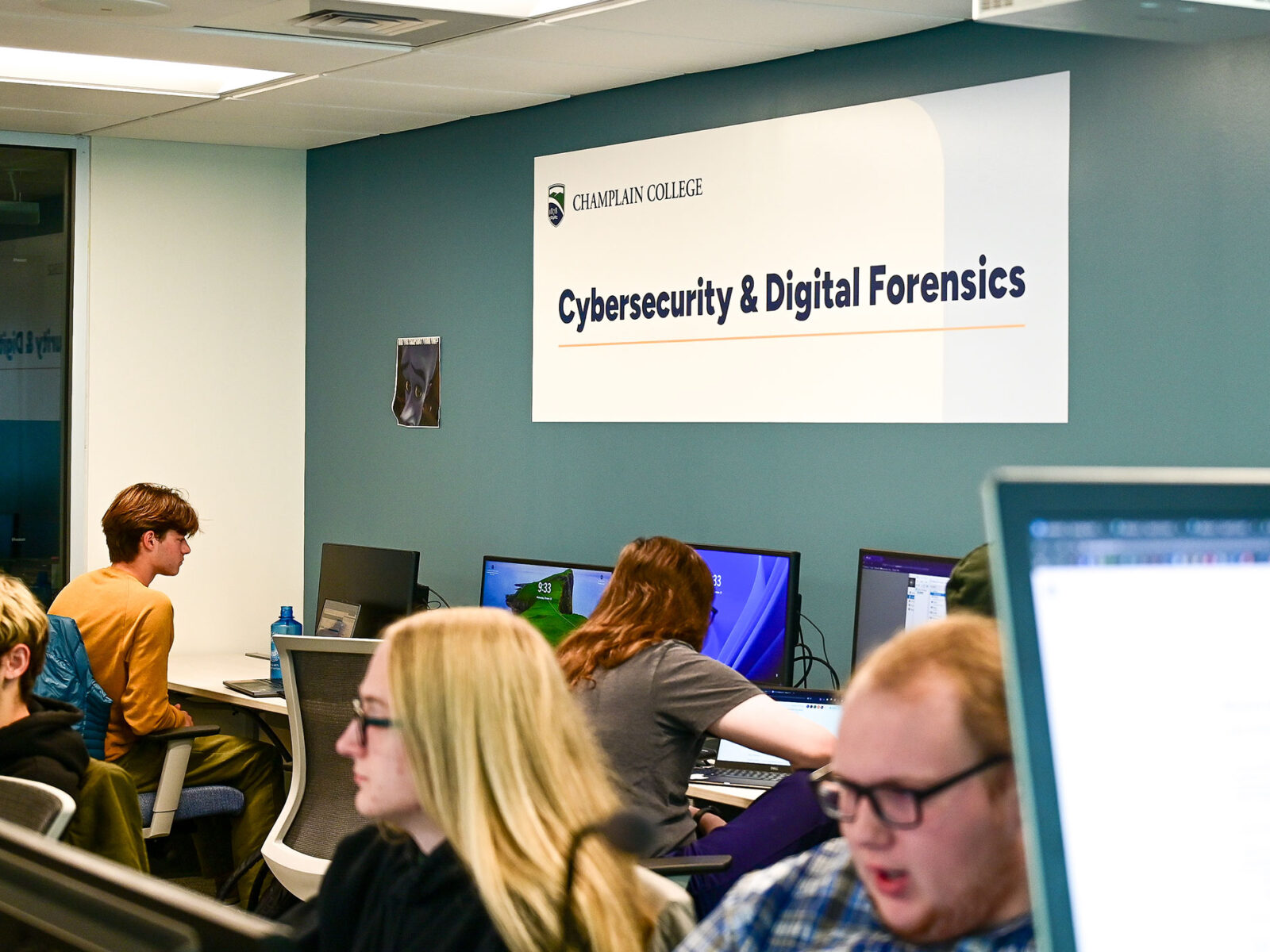
In this educational path, students can also enjoy being part of one of the first programs in the country to be designated as a Center of Academic Excellence by the National Security Agency (NSA) and gain practical, hands-on lab experience at the Leahy Center for Digital Forensics & Cybersecurity.
What distinguishes Champlain is our philosophy that networking mastery comes from doing, not just studying. Our students don’t just read about networking concepts—they configure real routers, troubleshoot live network issues, and respond to simulated cyber incidents in our state-of-the-art labs. By the time they graduate, they’ve already built the muscle memory and problem-solving instincts that employers are looking for. They’re not just ready for their first job; they’re ready to excel in it.
The Future of Computer Networking
Many trends are poised to shape the future of computer networking, including the emergence of 5G connectivity and quantum computing. As connectivity continues to improve, so too will latency, making it feasible to transmit data more readily than ever.
Meanwhile, AI and machine learning (ML) are now helping automate certain aspects of network management while predicting potential issues (such as cybersecurity vulnerabilities) so they can be addressed before they become major problems. These AI tools don’t replace networking professionals—they require them. Every AI application depends on robust network infrastructure that must be designed, secured, and optimized by skilled experts.
FAQs About Computer Networking
What is computer networking in simple terms?
Computer networking is the practice of connecting devices to share resources, services, and data.
What is an example of computer networking?
A common example of computer networking is a company intranet, where devices within a single office are interconnected to share resources and information readily.
What is the difference between computer networking and cybersecurity?
The most important distinction is that cybersecurity is a component of computer networking. All networks must have cybersecurity measures and protocols in place to protect data integrity, availability, and confidentiality.
What careers can I pursue with a computer networking degree?
Common job titles with a computer networking degree range from network administrator and cybersecurity specialist to IT support specialist and cloud network engineer.
Discover More in a Computer Networking Program
Ready to learn more about computer networking and its growing role in our interconnected world? Check out Champlain College’s bachelor’s degree program in Computer Networking and Cybersecurity. To take the next step, request more information or apply now.
Looking for more information about Champlain College? Start here!
Fill out the form to receive helpful information!