Let’s get the scary headline out of the way: no, AI isn’t coming for your dream animation job — not the way the internet wants you to believe, anyway. The conversation around AI and animation tends to jump straight to worst-case scenarios, but the reality looks a little different.
The animation industry has been through major technological shifts before, and animators are still here. They’re still the ones telling the story, still the ones making people care, still the ones dreaming up entire worlds into reality. AI is just the newest tool to join the toolbox, but it doesn’t replace the artist holding it.
What Is Animation, Exactly?
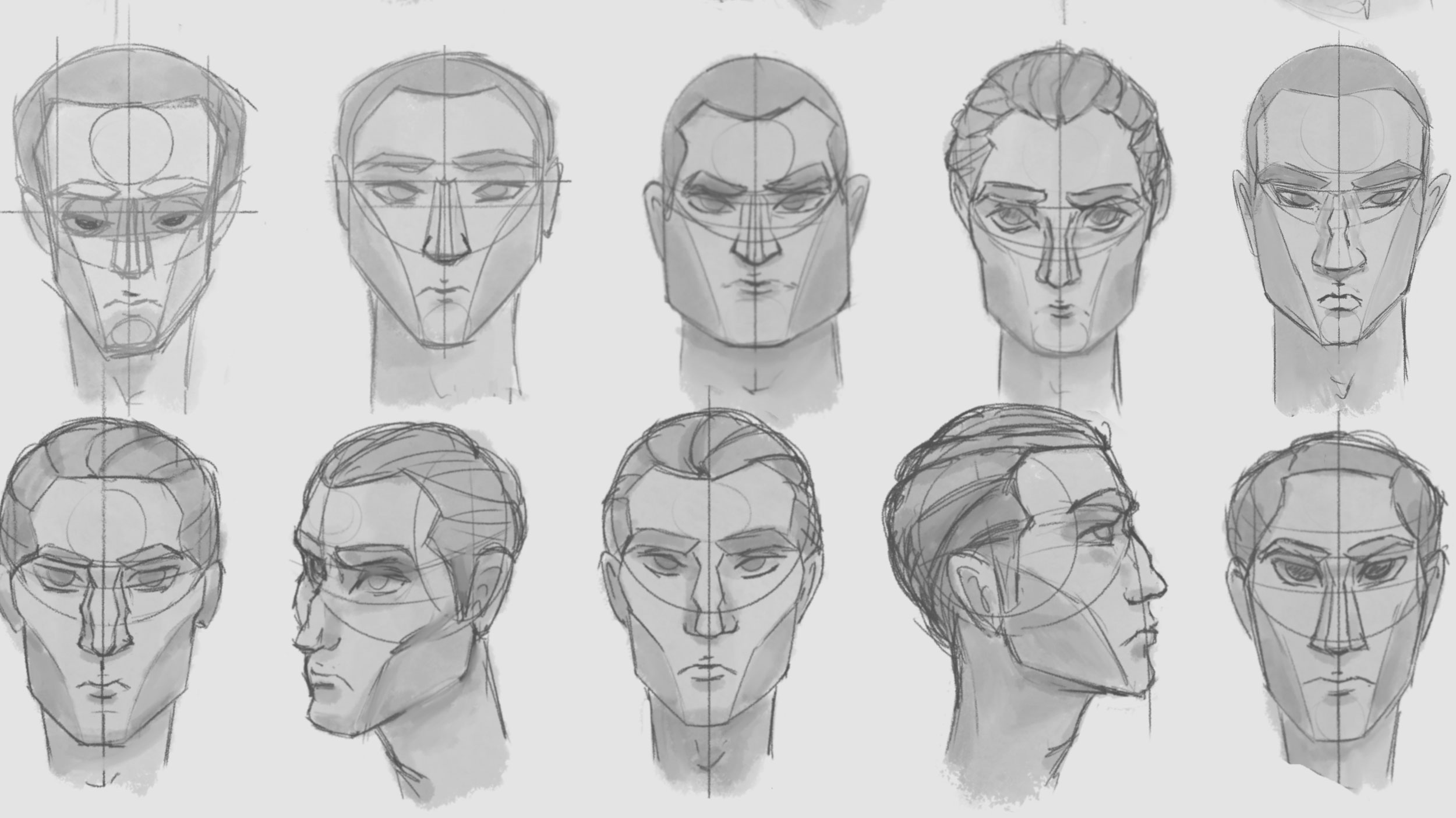
Animation is the art of making still images look like they’re moving. That’s the whole trick — your brain fills in the motion when it sees a sequence of slightly different pictures fast enough. From the age of flipbooks to blockbuster feature films today, the concept has remained the same. The technology behind it, though, has changed again and again.
Hand-drawn era: Early animations like Steamboat Willie or Disney’s golden age of films were drawn one frame at a time — thousands of individual drawings per short film, photographed frame by frame. Many studios still rely on hand-drawn animation even today.
Cel animation: Studios sped up the process by drawing characters on clear plastic sheets (cels) layered over painted backgrounds, so artists didn’t have to redraw the background in every single frame. Studio Ghibli’s Princess Mononoke used over 144,000 individual cels!
Digital 2D: Computers replaced the ink and paint, but animators were still drawing (or posing) frame by frame — just on a screen instead of paper.
3D/CGI: Pixar and others introduced fully three-dimensional characters built in a computer, posed and moved in 3D space, rather than redrawing every frame each time.
Every one of those shifts was originally considered disruptive, but ultimately, each became a new set of tools animators learned to use. And those tools and skills are still the foundation of animation today.
“We want to be aware of AI, but we don’t use it in our classes,” says Champlain College Professor of Animation Felipe Lega. “We want the students to learn every single step of the process as if they were doing that by hand. And I think that it’s important for them to understand and have those skills, so that if they decide to use AI, they have the knowledge and understanding to do so.”
How an Animation Actually Gets Made: The Production Pipeline
Before we get into how AI is used in animation, it’s important to first understand the general step-by-step process for making animations. Regardless of the animation style, and whether it’s a feature film, a TV episode, or a game cutscene, most animated content moves through a similar pipeline.
Pre-Production: From Planning to Animatics
Story & Script: Develop the plotline, dialogue, and what will happen on screen
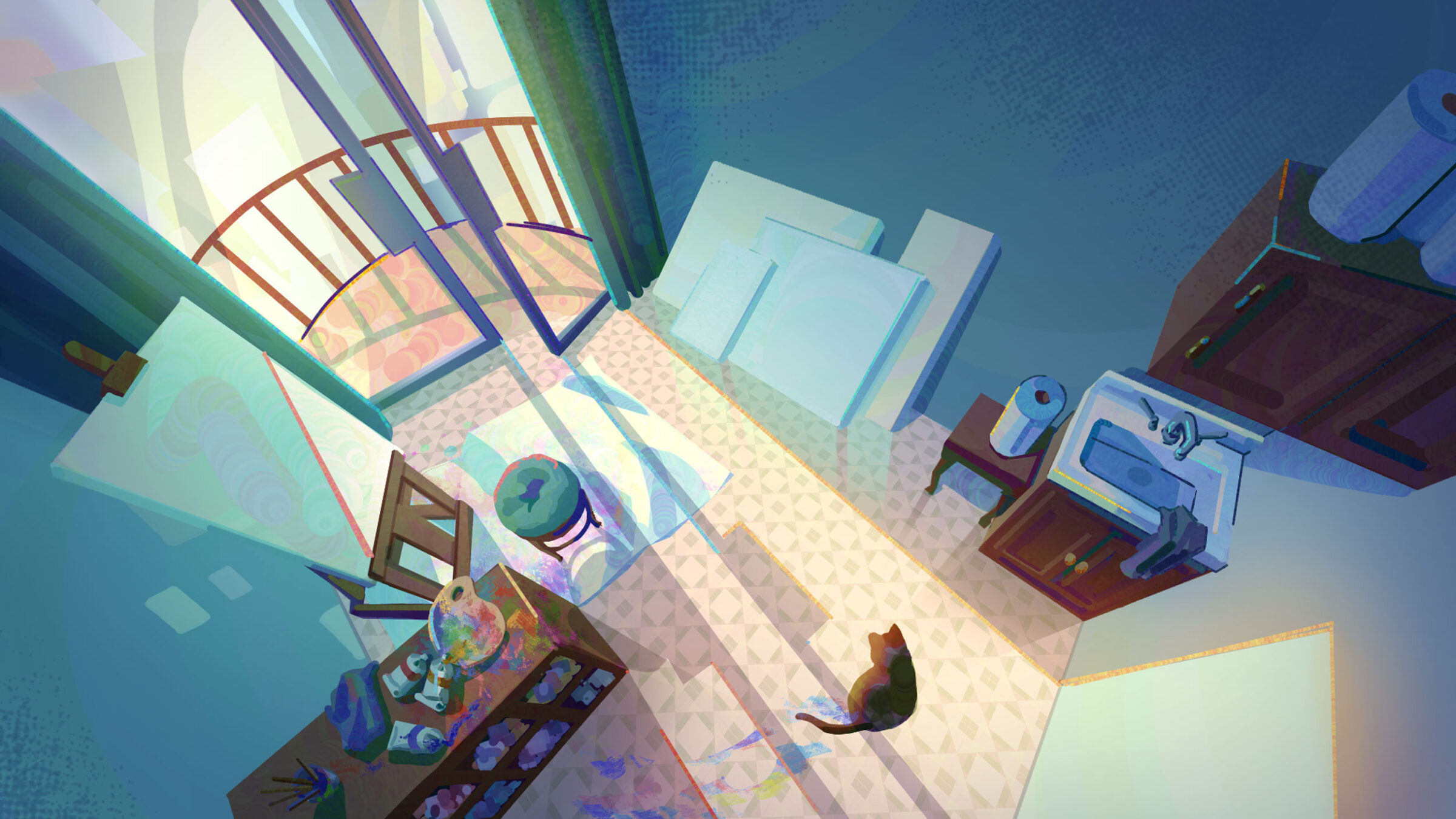
Concept Art and Visual Development: Research, concepting ideas, creating moodboards for inspiration.
- Storyboarding: Rough panel-by-panel drawings that map out each shot, like a comic book version of the film
- Sound Design: Folleys and music research
- Animatic: Storyboards get put in order with rough timing and placeholder audio, testing pacing before anyone animates a single frame
- Production: 2D Animation vs. 3D/CGI Animation
- Character & Environment Design: Locking in how characters and environments l look
- Modeling (3D) or Character Model Sheets (2D): Building the 3D character in software, or creating reference turnarounds so 2D animators keep the character consistent from every angle
- Rigging (3D only): Building the digital skeleton so the model can be posed and moved
- Layout/blocking: Rough camera angles and staging for each shot
- Animating: Posing out key moments (keyframes), then filling in the motion between them (inbetweening — yes, that’s a real term)
Post-Production: Compositing and Visual Effects (VFX)
- Effects: Adding digital effects to simulate fire, water, smoke, destruction, and to blend CG elements with live-action footage
- Lighting & Rendering: Lighting each scene and generating the final images
- Compositing: Combining all the layers into finished shots
- Color Correction: Adjusting color, contrast, and tone across shots so everything matches and sets the right mood
- Sound & Music: Voice acting, sound effects, and score
- Editing: Assembling the finished shots in order and cutting them together into the final sequence
- Export: Final output in whatever format the project needs
You Don’t Have to Use AI to Have a Great Animation Career
For decades, animators have carved out careers and works of art without the help of AI. Put plainly, that means you don’t have to touch AI at all to become a great animator these days. When you study animation or major in animation, you’ll build those traditional skills — drawing, modeling, rigging, staging — without AI ever entering the picture.
That said, it’s worth understanding how studios are actually using it right now, so you’re not going in blind.
Ask the Expert
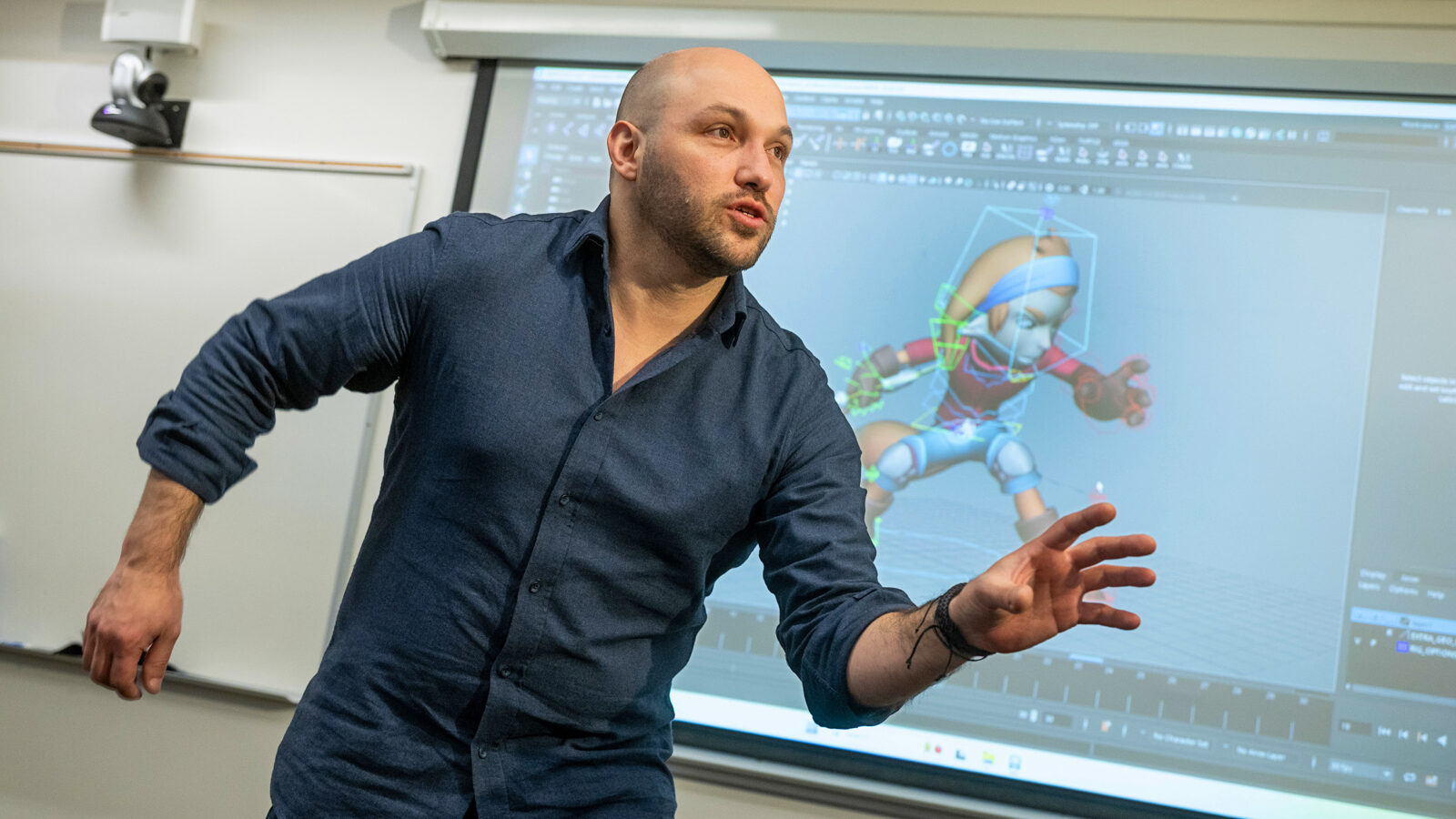
“We want to be aware of AI, but we don’t use it in our classes. We want the students to learn every single step of the process as if they were doing that by hand. And I think that it’s important for them to understand and have those skills, so that if they decide to use AI, they have the knowledge and understanding to do so.”
—Felipe Lega, Professor of Animation, Champlain College
Where AI Is Showing Up in Animation Studios Today
AI is landing mostly on the slow, repetitive steps of production — not the creative ones. It’s more of a workflow upgrade rather than a replacement.
Inbetweening and Rigging Help
Some 2D software can generate rough in-between frames from key poses, speeding up a process that used to be entirely hand-drawn, frame by frame. On the rigging side, some tools can automatically generate a starting rig and rough weights, giving riggers a head start instead of a blank scene.
Rotoscoping and VFX Assistance
In VFX, modifying an isolated object or an actor in a live-action film used to mean painstaking frame-by-frame masking. Star Wars’ light saber is a great example of rotoscoping. Today, AI tools can now auto-track those edges, so artists can directly clean up the results instead of building them from scratch.
Previsualization, Storyboarding, and the Animatic Process
From a script, a director can generate a rough animatic to test pacing before a storyboard artist draws the real thing. The storyboard artist will still need to draw up the work, but AI-assisted previsualization allows them to quickly test things like angles and framing, which ultimately helps the artist cut down the number of revisions they’ll need to make.
Voice, Lip-Sync, and Crowd Generation
Some tools can automatically match a character’s mouth movements to recorded dialogue. Additionally, video games and films are increasingly using AI to generate believable movement for background characters, without the need for someone to spend hours individually animating thousands of individual characters. This isn’t new technology. Did you know that the iconic battle scene in Lord of the Rings: The Two Towers, the Battle of Helm’s Deep, leveraged AI to generate an army of thousands and thousands of individual Uruk-hai? And that was nearly 25 years ago.
Notice the pattern? None of these AI tasks is “design this character” or “decide how this scene should feel.” Instead, each of these tasks used to require hours of busywork with little creative judgment. Now this work can be supported and streamlined with these AI tools, giving animators back valuable time to put toward creative work.
Animation Jobs AI Still Can’t Do
AI is good at repetitive tasks with a clear “right answer.” It’s not good at the parts of animation that make people care.
- It can’t decide why a character hesitates before speaking, or what a glance between two characters is supposed to communicate.
- It can’t design a character’s personality into their silhouette and expressions.
- It can’t tell you which of a hundred generated options actually makes an audience feel something.
- It can’t replicate the intentional imperfection in hand-drawn linework that makes 2D animation feel alive.
Those calls, and many more not listed, are still 100% a human job, every time — which is exactly why animation jobs aren’t going anywhere.

Animation Skills Worth Building for an AI-Literate Industry
If you’re thinking about a future career in animation, go for it! Animation jobs will be around for the foreseeable future. When you’re ready, you should start by studying animation at a reputable school, preferably one that emphasizes hands-on, project-based work.
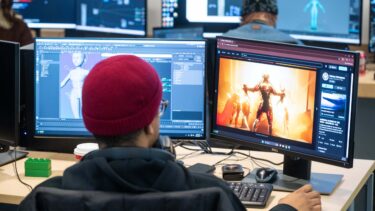
Animation Fundamentals and Core Software (Maya, Toon Boom, After Effects)
At a minimum, the animation skills you’ll need to build for a successful career in the industry are:
- The Fundamentals: Timing, staging, character design basics, and the classic principles of animation. These matter whether you’re drawing by hand or working in 3D software, and they matter regardless of what AI does or doesn’t do next.
- Core Software Familiarity: Programs like Maya (3D), Toon Boom Harmony (2D), and After Effects (motion graphics and compositing) are industry standards worth learning early.
Working With — Not Replacing — AI Tools
Comfort with AI tools is optional, but useful. Knowing when an AI-generated pass is usable and when it needs to be redone by hand is a nice-to-have skill for some studio pipelines.
Ethics, Copyright, and AI in Animation
Issues surrounding ethics, copyright, and AI matter, and you’re right to care about them. AI models learn from huge amounts of existing artwork, and if that art was used without credit or permission, that’s a real problem. Responsible studios and schools are increasingly expected to be transparent about where AI training data comes from, to get consent when using someone’s style, and be upfront about which parts of a project used AI assistance at all.
It’s also an issue unlikely to be resolved anytime soon. Regardless of whether or not you choose to use AI in any part of your animation process, being AI-literate soon will become a non-negotiable skill to have. And not just for the animation industry.
Frequently Asked Questions
-
Will AI replace animators in the future?
No. AI is strongest at repetitive, well-defined tasks. Character design, storytelling, staging, and performance still depend on human judgment that AI can’t replicate — and animation has already survived several major technology shifts without losing jobs.
-
Do animators have to use AI to succeed?
No. Plenty of working animators build entire careers on traditional drawing, modeling, and rigging skills without AI ever being part of their workflow.
-
How are studios using AI today?
Mostly for repetitive tasks like batch background generation, rotoscoping assistance, and early rigging passes, while directors and leads still control the final look and production.
-
How is artificial intelligence changing animation workflows?
AI is speeding up repetitive animation tasks such as inbetweening, rigging, cleanup, and rotoscoping, which shortens production time without replacing creative decisions about staging, performance, and design.
-
What is the average animation salary?
When it comes to pay, the US Bureau of Labor Statistics tracks animators under “Special Effects Artists and Animators,” where the median annual wage was $99,800 as of May 2024. The lowest 10% in that category earned under $57,220, which is a more realistic starting salary for animators. Actual outcomes vary by city, studio, and specialty.
Study Animation at Champlain College
At Champlain College, we teach animation the same way studios actually build it — because that’s exactly what it takes to be ready for this industry. That means putting your eye, your craft, your artistic vision, and your originality at the center of everything, since those are the things that have, and will stand, the test of time through every tool change animation goes through.
The BFA in Animation program also introduces you to the technology shaping the industry right now — including a deep understanding of how, when, and whether to use AI appropriately in a real workflow. Not because the tools matter more than your talent. Because knowing how to direct them (or knowing you don’t need them at all) is part of graduating ready for the industry, as it actually is.
But we’ve saved the best for last. When you study animation at Champlain College, you’ll start building those critical skills we discussed — timing, staging, character design basics — on day one. No waiting around to master the theory or history of animation before you get your hands on the tools. Check out some of our student reels, and get an idea of some of the things you’ll be capable of after just a few semesters.
The Bottom Line on AI and Animation
The industry has evolved with every technological shift it’s faced. AI is the next chapter in that story, not the end of it. The next generation of storytellers will likely have even newer tools at their disposal in the future — but the ones that matter most are the ones you already have: your hands, your eye, your imagination. Learn the craft first, and you’ll always be the one in charge — whether or not AI ever enters your workflow at all. That choice is totally up to you.
More Info Here! 👇
Fill out the form below for more information about Champlain College.
All trademarks, service marks, trade names, and logos referenced in this article are the property of their respective owners. All company, product, and service names used in this article are for identification purposes only.