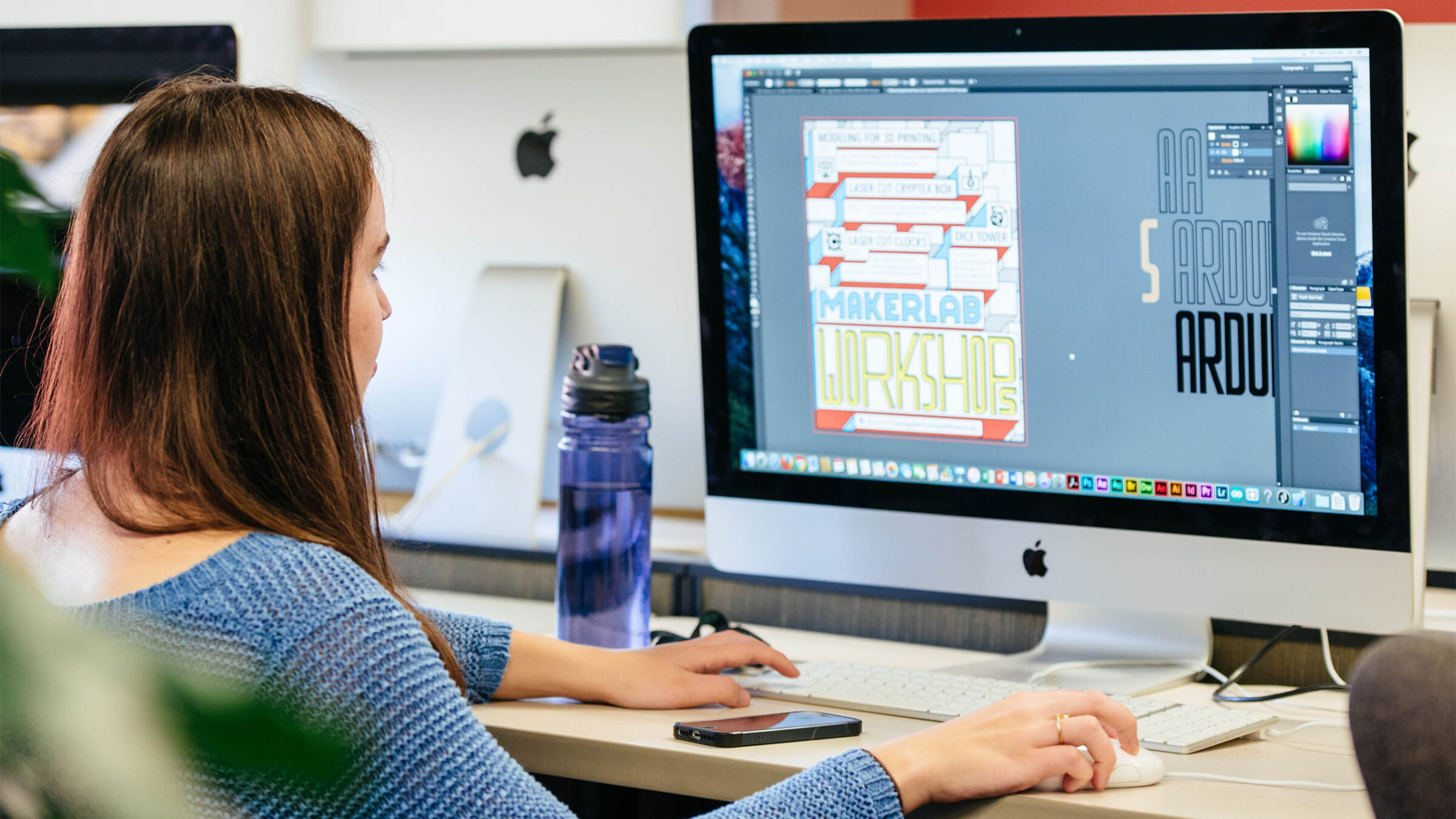
The best graphic designers have two things in common: a head full of ideas and the software skills to bring them to life. Before you can design a logo, build a brand identity, or craft a magazine cover layout, you need to know what’s in your toolkit and how to use it. The good news? You don’t need to know all of them — you just need to know the right ones to use.
So, whether you’re new to graphic design, a little curious, or looking to add new software to your toolkit, we’ll break down the best tools for graphic design, from industry standards to the free platforms making design more accessible than ever.
The Best Tools for Graphic Design
What Is Graphic Design?
Graphic design is the art of using visuals to communicate ideas. It’s eye-catching, tells a story, or makes something easier to understand. Think of Nike’s iconic swoosh or McDonald’s golden arches. The clean layout of an app or website. Maybe even a movie poster that hangs in your room. All these are examples of graphic design. And while they may look different from one another, each example represents an aspect of the field that requires its own set of tools, techniques, and creative skills.
Design Terms to Know
It also helps to understand some design terms that will come up as you explore graphic design software. To keep things simple, we’re going to cover two terms specific to software and tools in this guide: vectors and rasters.
Vectors and rasters are the main file types used in digital images.
- Raster graphics are made from pixels, which are tiny colored dots. They’re great for detailed images, but when resized, they can become blurry.
- Vector graphics are created with curves, shapes, and lines, so they stay sharp no matter how they’re changed or resized. This makes them great for logo design, posters, or illustrations.
Some design software is made specifically for vector or raster graphics, so it’s important to keep that in mind when choosing.
Tips of the Trade: Equipment
Graphic design equipment could be purely digital — a laptop or desktop, a graphics tablet, or any other device that runs software — but if you’re someone who prefers sketching out their ideas on paper, traditional art supplies like notebooks, pencils, or pens are must-haves.

Champlain Students
Check out the computer requirements needed for Graphic Design, and take advantage of our discounts!
Learn moreGraphic Design Software
From creative suites like Adobe and Affinity, packed with features for every part of the design process, to simple, beginner-friendly platforms like Canva that let anyone create professional designs in minutes, there’s a tool out there for every skill level and every project. The key is knowing which one to use and when, because each serves a different purpose depending on what you’re creating.
Adobe
InDesign
Adobe InDesign is one of the most popular graphic design tools out there, and it’s not hard to see why. It’s specifically designed for print and publishing design, allowing designers to create graphics for brochures, posters, magazines, and more. It also includes tools and features that make designing layouts much easier, such as pre-designed templates, page layout formats, and text formats. Its multimedia features, which allow designers to create PDFs and other digital documents, make it the perfect go-to software for layout and design.
Photoshop
Adobe Photoshop is an image editing tool that many people are familiar with. With Photoshop, you can upload an image to adjust colors, enhance lighting, remove imperfections like pimples or wrinkles, change or remove backgrounds entirely, create digital artwork, and so much more. Photoshop also includes pre-designed templates, and new features include generative AI, which makes some tools easier to use.
Perks of Being a Champlain Student?
You get free access to tools like Adobe Creative Cloud, so you can turn your creative visions into reality.
Learn MoreIllustrator
Illustrator, another member of the Adobe Creative Cloud family, is similar to Photoshop and commonly used to create logos, icons, typography, and digital artwork. This is the go-to software for logo and branding because it uses vector-based graphics (scalable vector graphics or SVGs), which, as we mentioned earlier, stay clear and sharp no matter how they’re changed or resized. Tools like the Shape Builder, Pen Tool, and Pathfinder are great examples of Illustrator features that create clean, professional-looking designs.
After Effects
Adobe After Effects is ideal for graphic designers who want to create motion graphics, such as animated text or logos, or even VFX work, like adding explosions or rain to a movie scene. There’s no shortage of examples of After Effects in modern TV and film. The Stranger Things title sequence? Made entirely in After Effects. The inside of Iron Man’s helmet? You guessed it — After Effects once again. It’s a perfect tool for both simple and complex effects and animations.
Affinity
Similar to Adobe, Affinity is a graphic design software bundle containing three applications, each built for a different creative purpose. Affinity Designer is a vector graphics tool used for creating logos, icons, illustrations, and artwork. It’s a popular choice among graphic designers and brand designers looking for an alternative to Adobe Illustrator.
Affinity Photo is a photo editing and retouching application similar to Photoshop in features and capabilities, making it a go-to tool for photographers, digital artists, and designers who need serious image editing power. And finally, Affinity Publisher is used to lay out multi-page documents like magazines, books, brochures, and marketing materials. Comparable to Adobe InDesign, it’s widely used among editorial and print designers.
Inkscape
Inkscape is a free, open-source vector graphic design software comparable to Adobe Illustrator. Because it uses SVGs, anything you create in Inkscape can be resized and adjusted without losing quality. This makes it ideal for designing logos, icons, illustrations, and typography. Tools like the Life Path Effects, which allow designers to bend or warp shapes, or Tiled Clones, which can create symmetrical, complex, or patterned designs, are Inkscape exclusives that come in handy for creating sharp, professional designs.
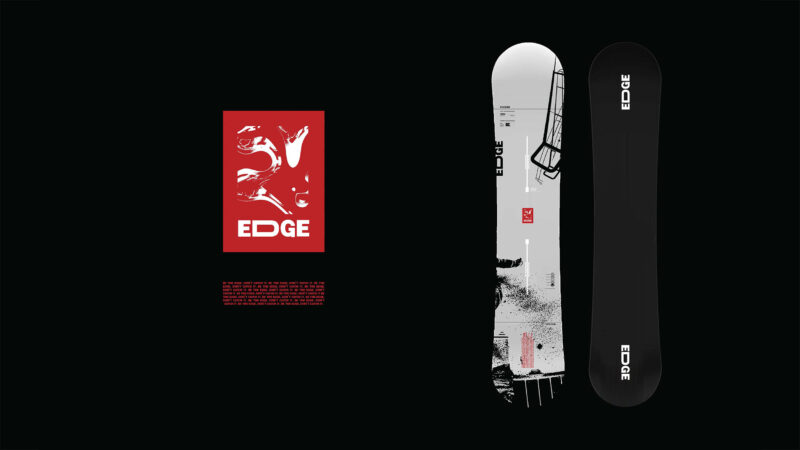
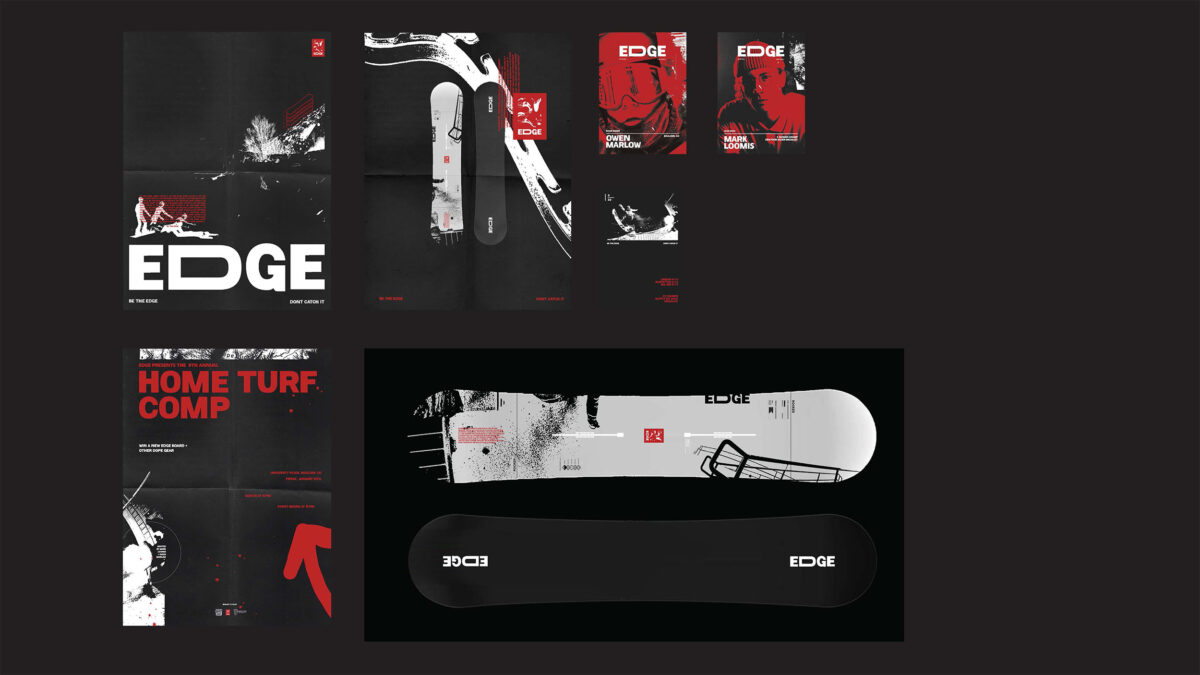
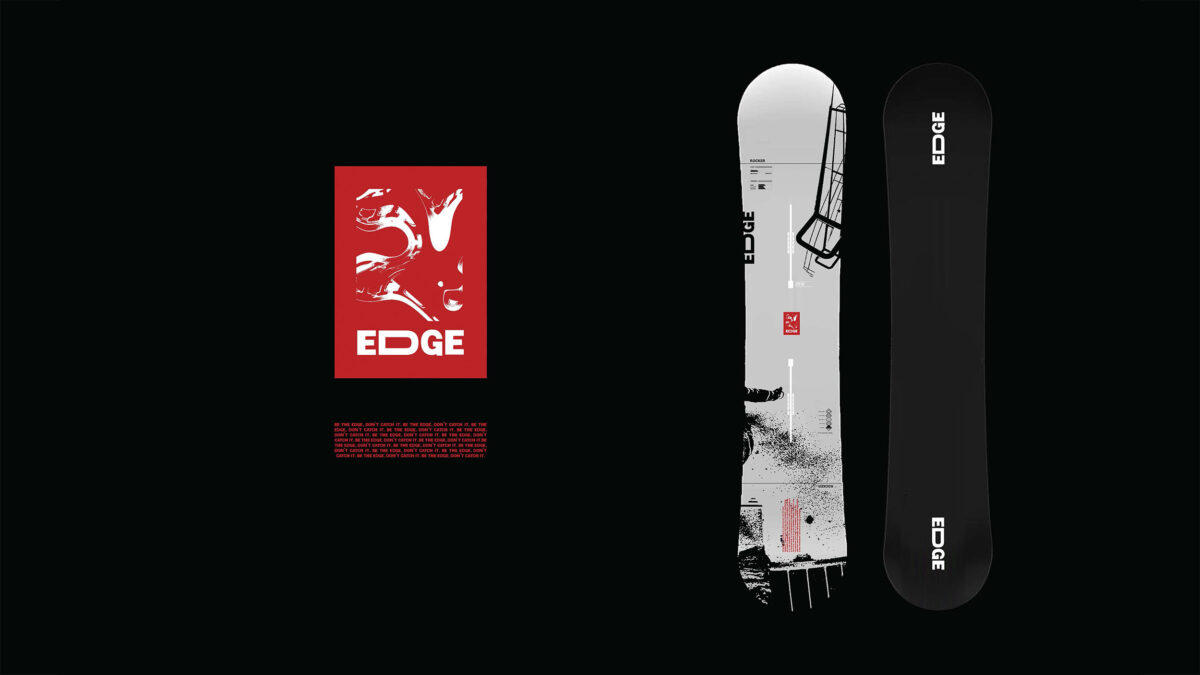
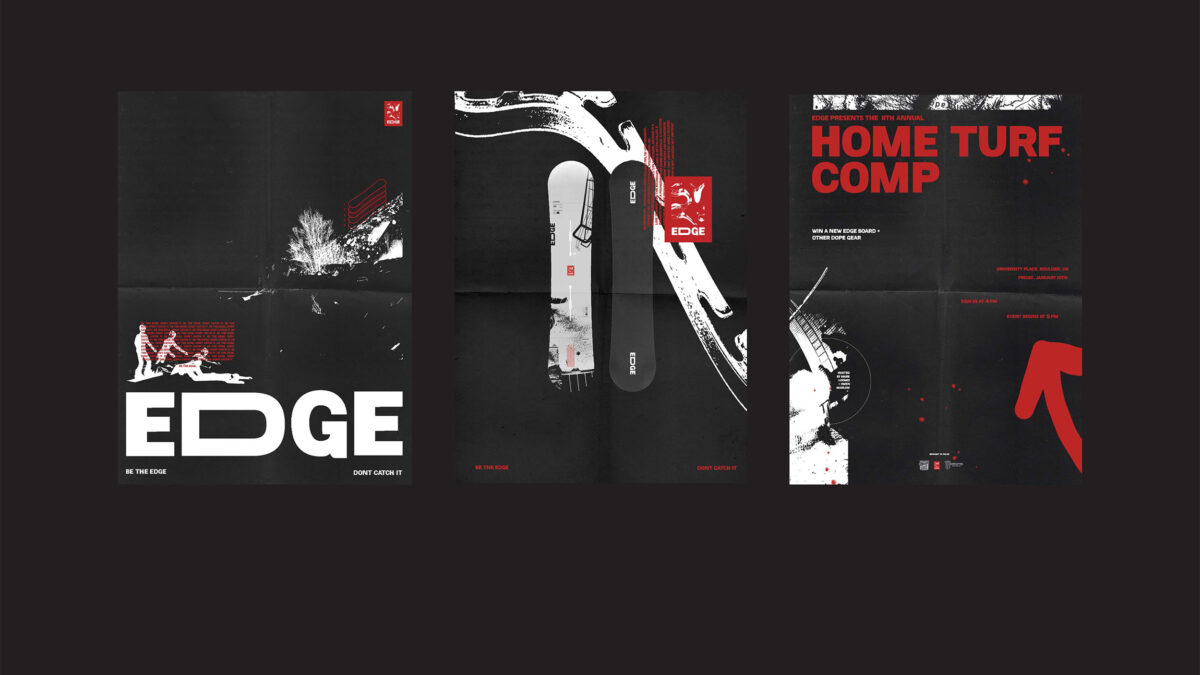
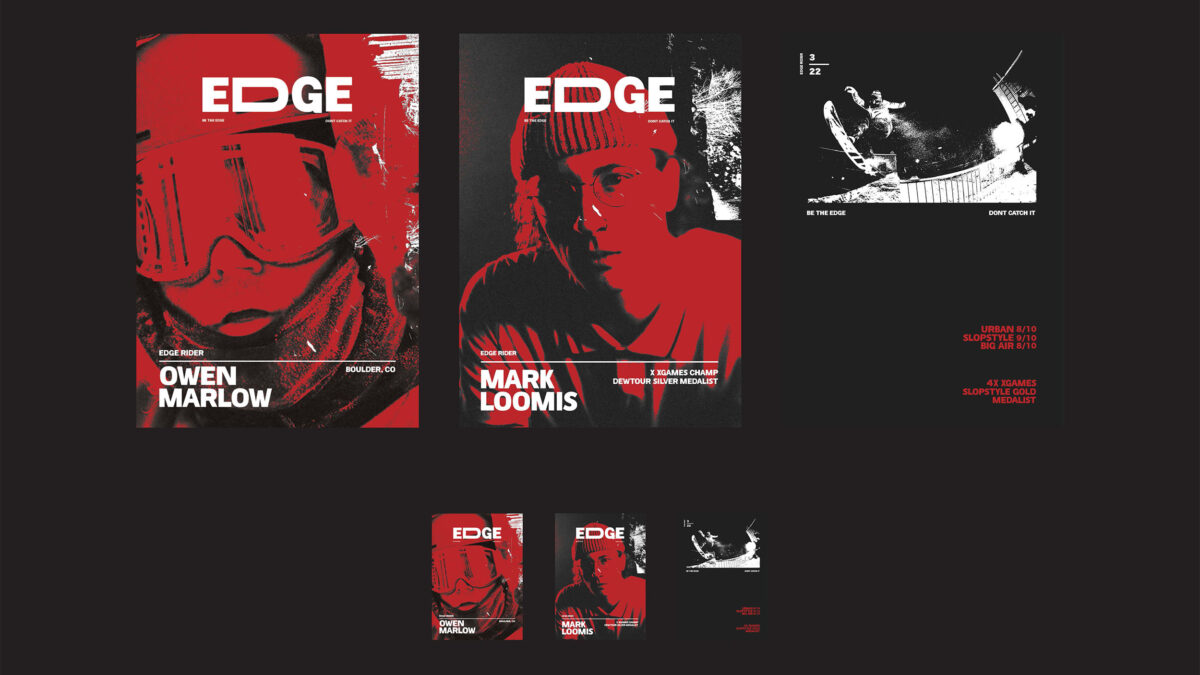
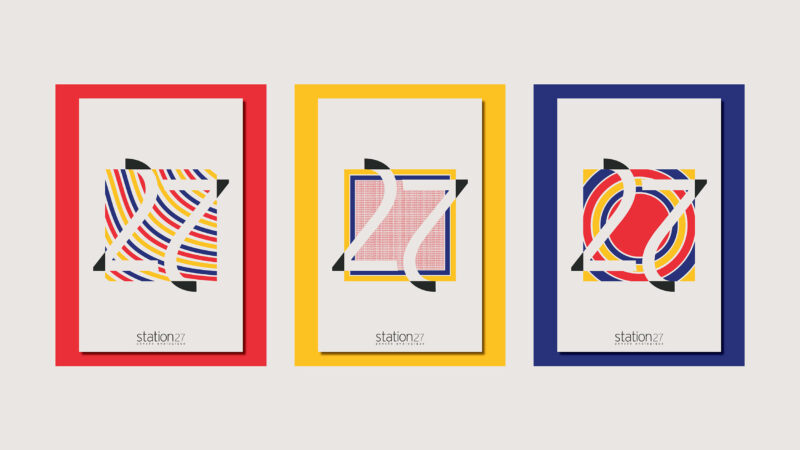
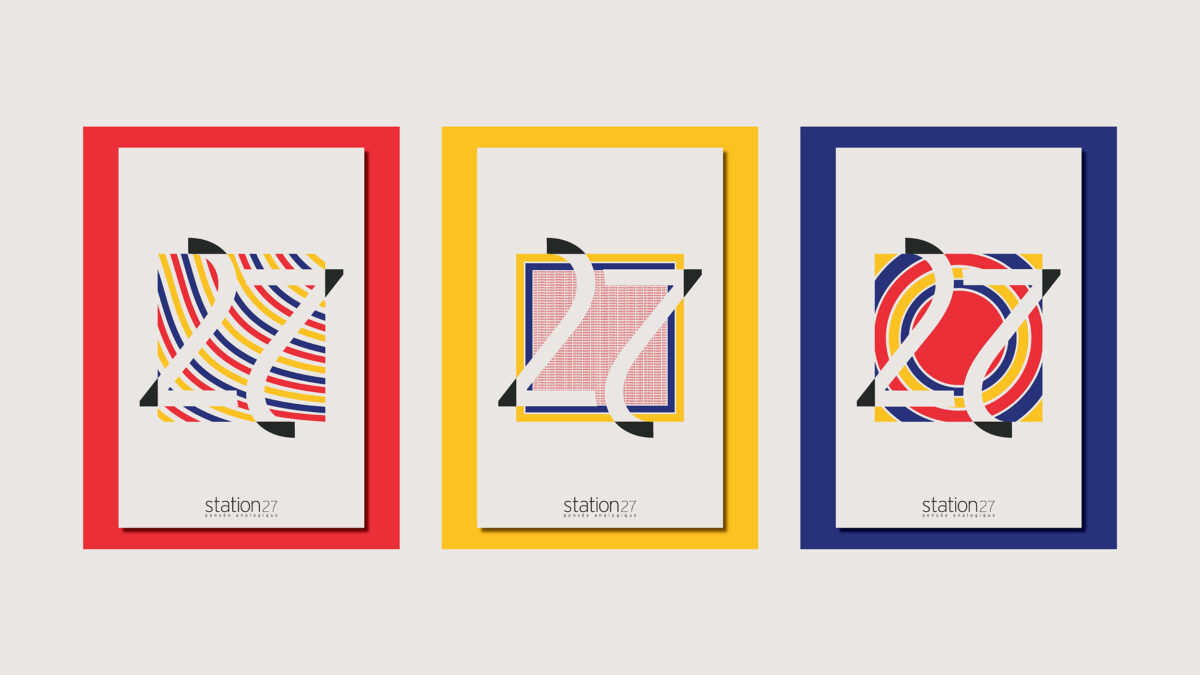
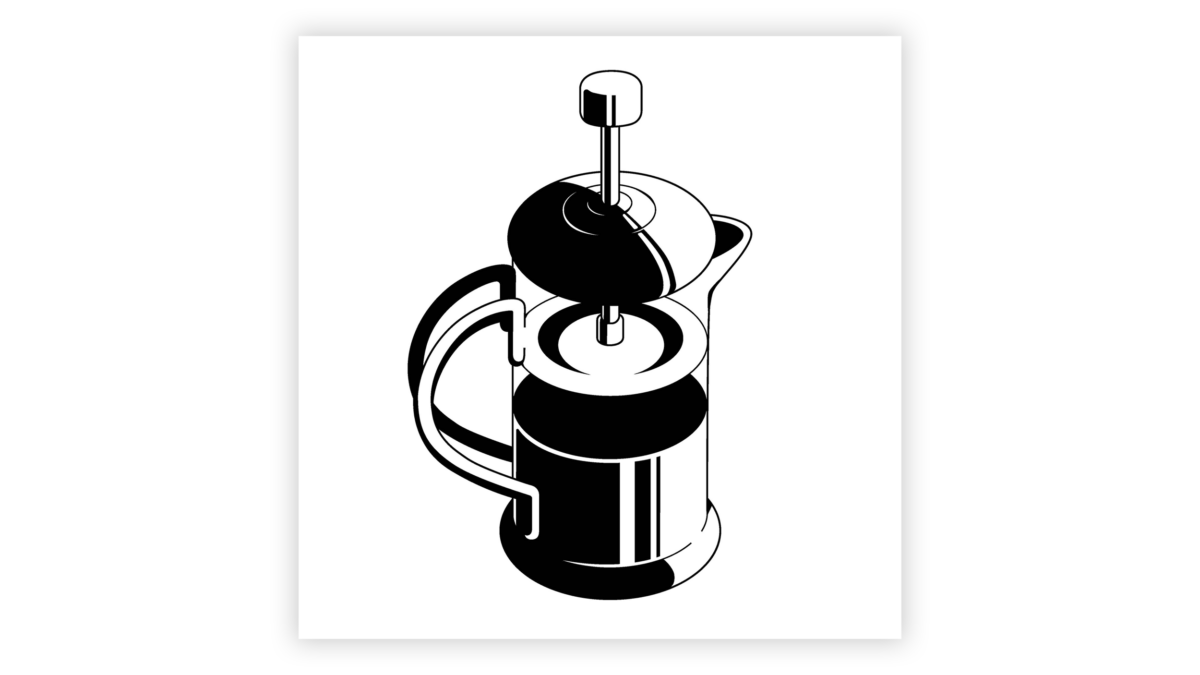
Check out some of our student work!
Figma
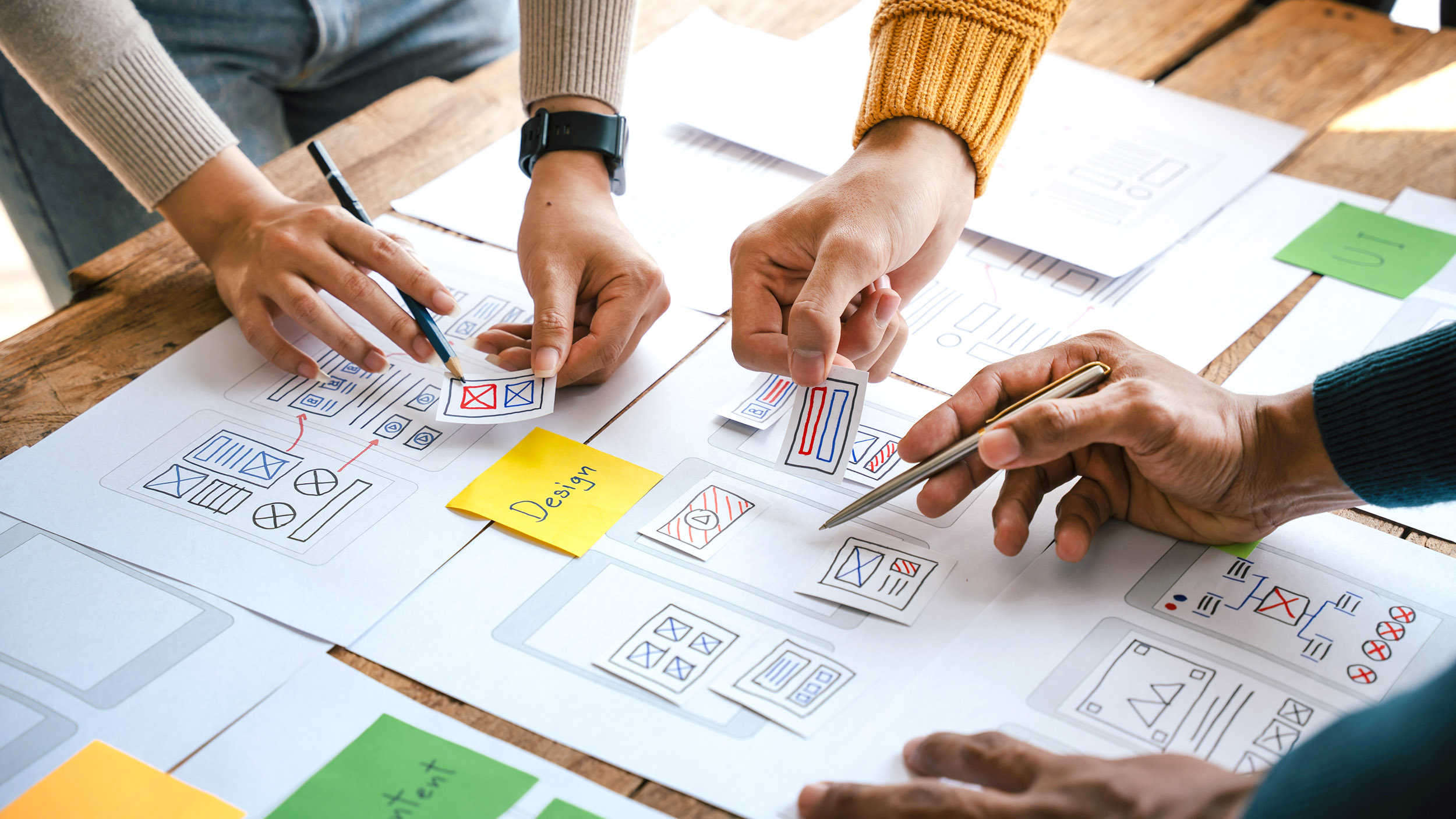
Figma is a collaborative design tool that’s popular for creating websites, apps, and all things digital. It allows designers to create, prototype, and share designs for mobile and website screens, wireframes, and interfaces. It also has vector tools, such as the pen and pencil tools, which allow users to create and edit complex designs. Figma has become an industry standard for graphic design, and is most frequently used for visual and digital interfaces.
GIMP
GIMP, which stands for GNU Image Manipulation Program, is a free photo and image editing software similar to Photoshop. With GIMP, you can edit and retouch photos, enhance images, create digital artwork and design, remove imperfections, and more. GIMP is raster-based (pixels), but resizing images can make them blurry. If Photoshop is out of your budget, GIMP is a great alternative.
Canva
Canva is a popular free and paid design platform that lets anyone — regardless of their design experience — create professional-looking visual content quickly and easily. It uses a drag-and-drop interface, so it’s simple and easy to use. Rather than starting from a blank canvas and building everything from scratch, Canva offers several pre-made templates for just about anything you can think of: social media posts, presentations, posters, flyers, logos, and other design templates. Users simply choose a template, customize it with their own text, colors, or images, and download the finished design in minutes.
Frequently Asked Questions
How do I choose the right graphic design software?
That depends entirely on what you’d like to design and your budget. Magazine layout? Adobe InDesign or Affinity Publisher. Logos? Adobe Illustrator. An easy-to-use tool with quick turnaround? Canva is your best friend. Be sure to check if this software supports vector or raster graphics, or if it’s better suited for user experience designs.
How will AI impact graphic design?
AI isn’t coming for graphic designers, but it will become part of their toolkit. Adobe and Canva have already built AI features into their platforms, making certain tasks faster and more accessible.
What’s interesting is how graphic designers are responding to AI: in a world where AI can generate flawless visuals in seconds, many designers are moving in the opposite direction with an approach called “imperfection by design”: embracing rough edges, hand-drawn elements, asymmetrical typography, and designs that feel human. At the end of the day, the storytelling, emotions, and ideas behind great design still come from people.
What are the career outlooks in graphic design?
The career outlook for graphics designers is stable. According to the US Bureau of Labor Statistics, employment is expected to grow 2 to 3% from 2024 to 2034. Despite these employment growth projections, graphic design is expected to see approximately 20,000 job openings per year on average over the next decade. As traditional print design opportunities slow, the demand is shifting toward digital, motion graphics, and UI/UX design, which offer higher growth potential.
Related Articles
Read more about Graphic Design.


Master Graphic Design Tools at Champlain College
Ready to build your skills with the best tools for graphic design? Champlain College’s Graphic Design & Visual Communication degree puts you to work from day one. You’ll take design courses in your very first semester, master industry-standard software like Adobe Creative Cloud, and start building a portfolio of work immediately. Through the Creative Studio Experience, you’ll collaborate with other students, work on real client projects, and have your work critiqued by designers from top firms. If you’re ready to turn your passion for design into a career, see what your path can look like at Champlain College.
Looking for more information about Champlain College? Start here!
Fill out the form to receive helpful information!
All trademarks, service marks, trade names, and logos referenced in this article are the property of their respective owners. All company, product, and service names used in this article are for identification purposes only.